%20(1).jpg)
Install the app and create an accountUpdated 2 months ago
Ready in about 10 minutes
Install the app and create your account before installation. You need a smartphone for setup; an iPad is not suitable.
What you need
- A charged iPhone or Android smartphone with Google services
- Access to your email inbox directly on the smartphone
- An email address you use long-term
- A password manager or another secure place for your password
1. Download the app
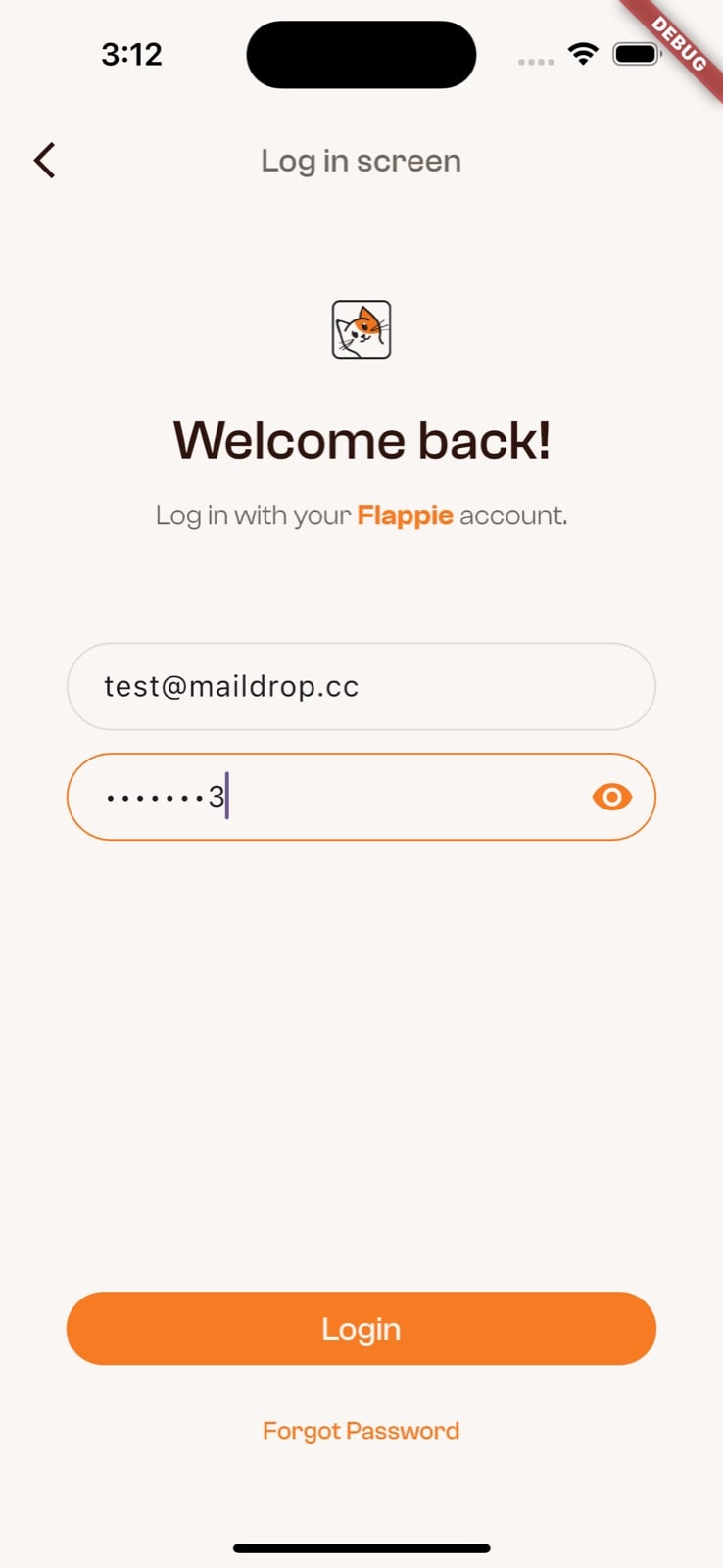
The screenshots show the English app. The order is the same in all available app languages. Tap an image to open it at full size.
2. Create an account
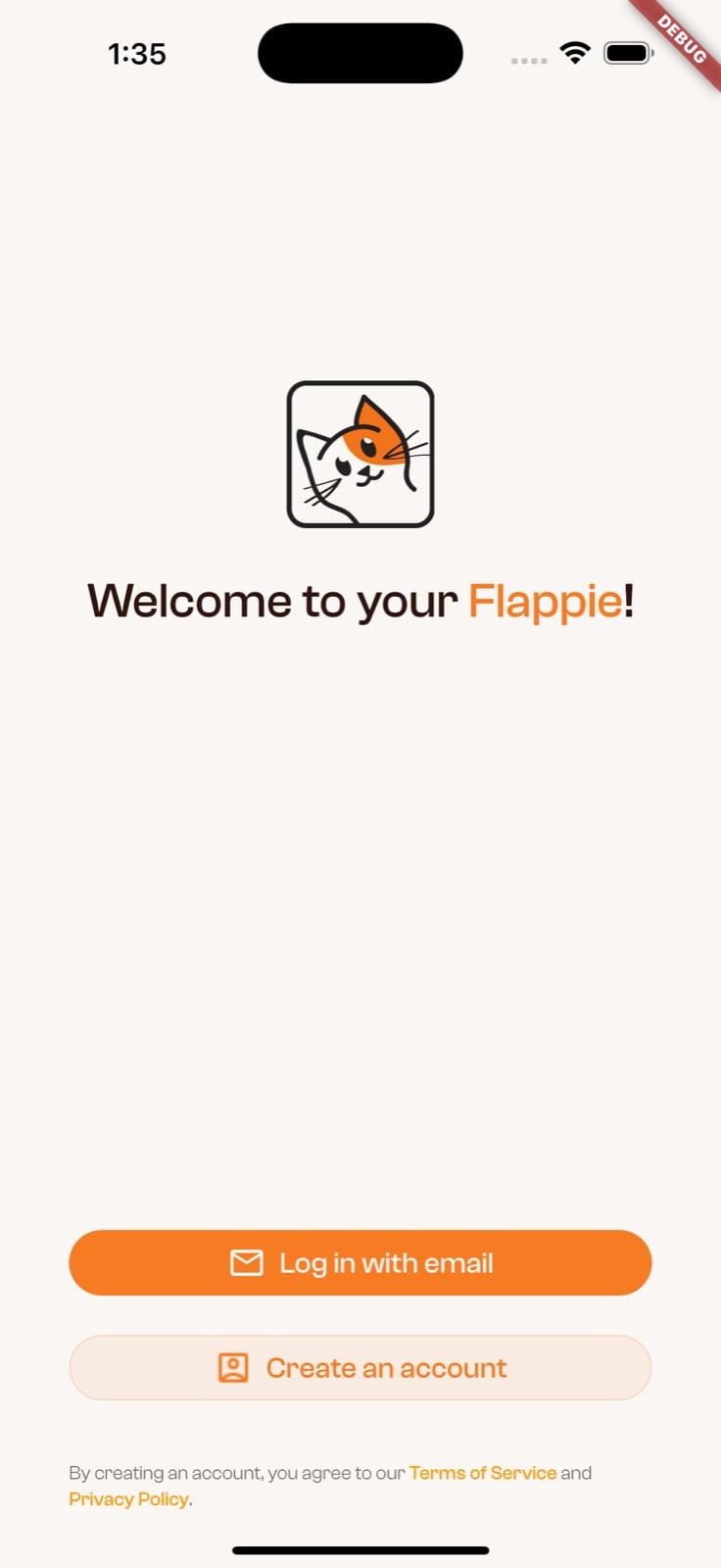
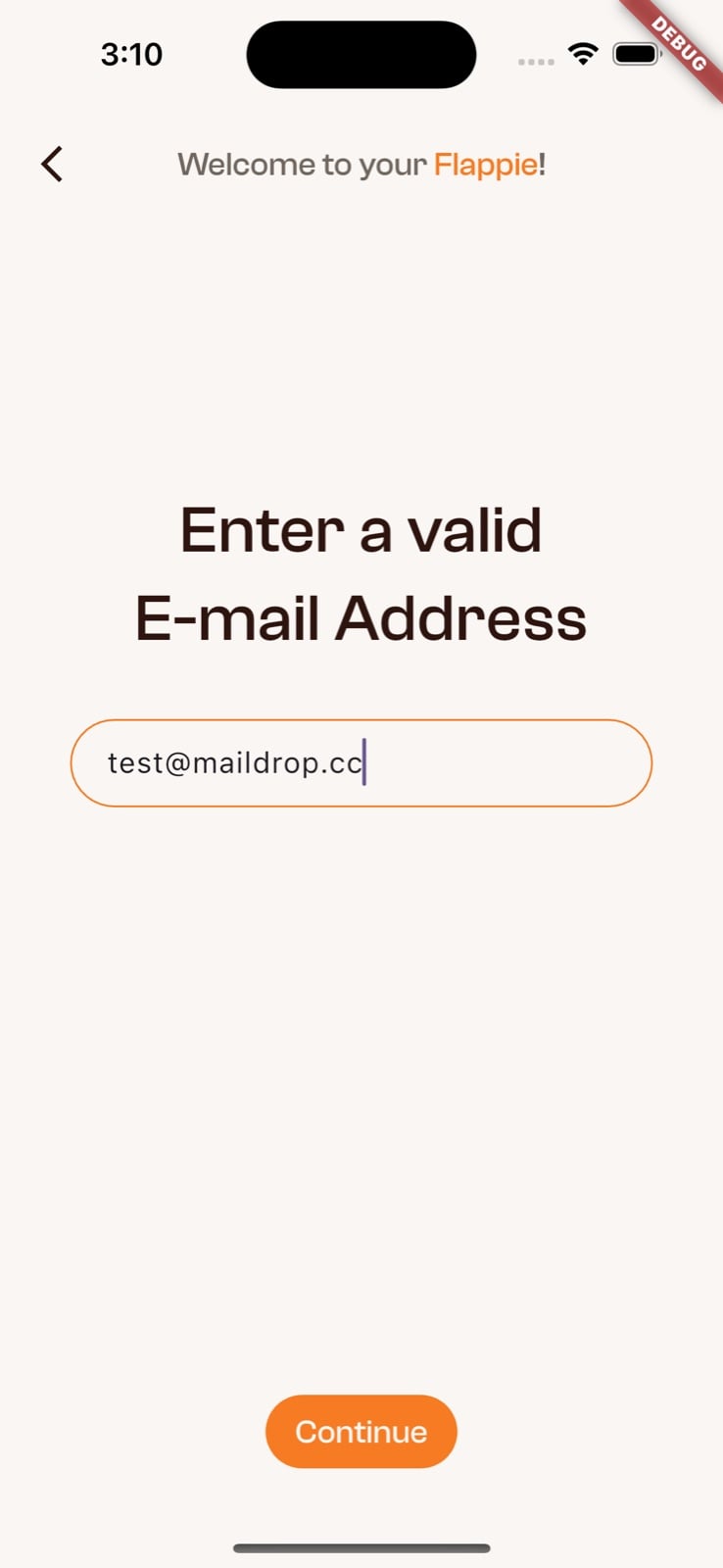
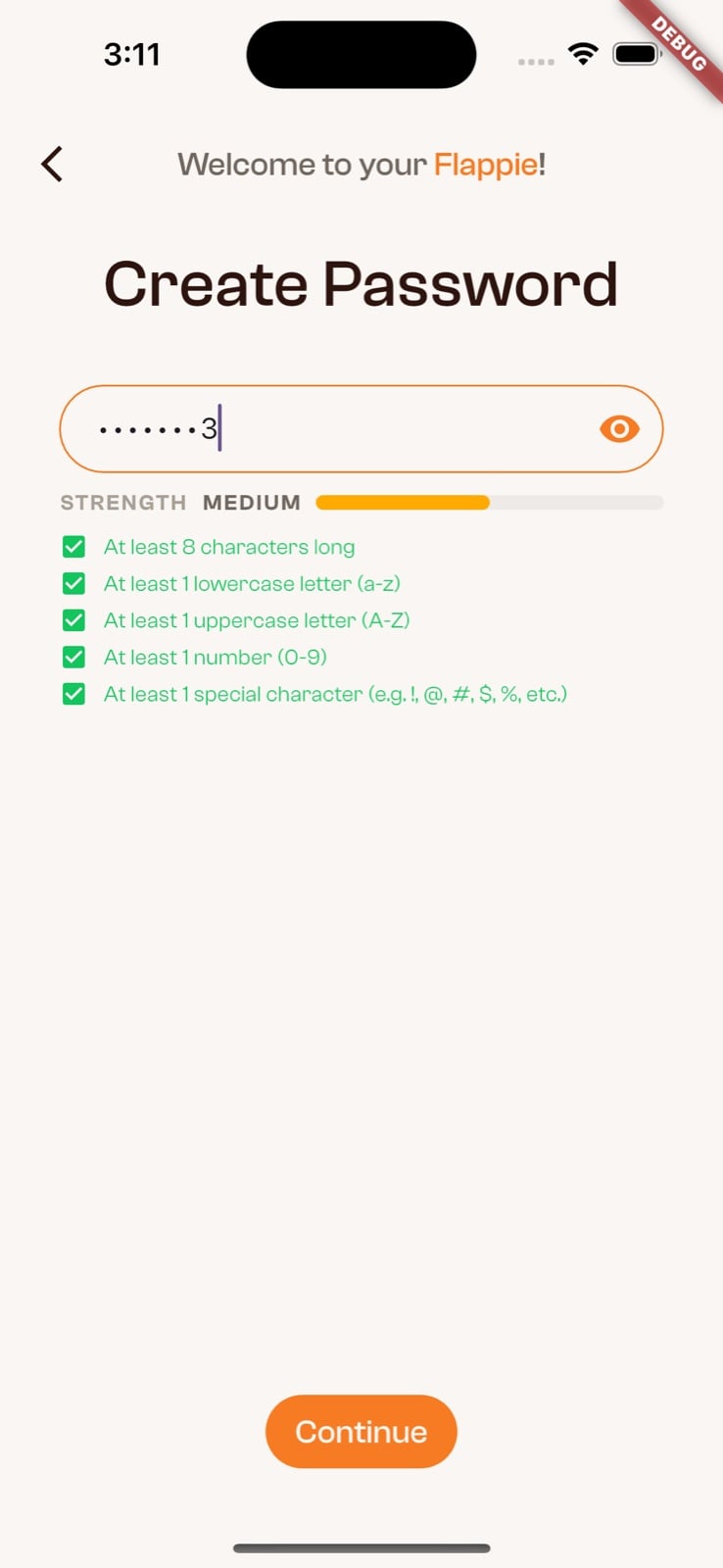
Open the app and select Create an account. Enter your email address and create a password with at least eight characters, including uppercase and lowercase letters, a number and a special character.
3. Username and confirmation
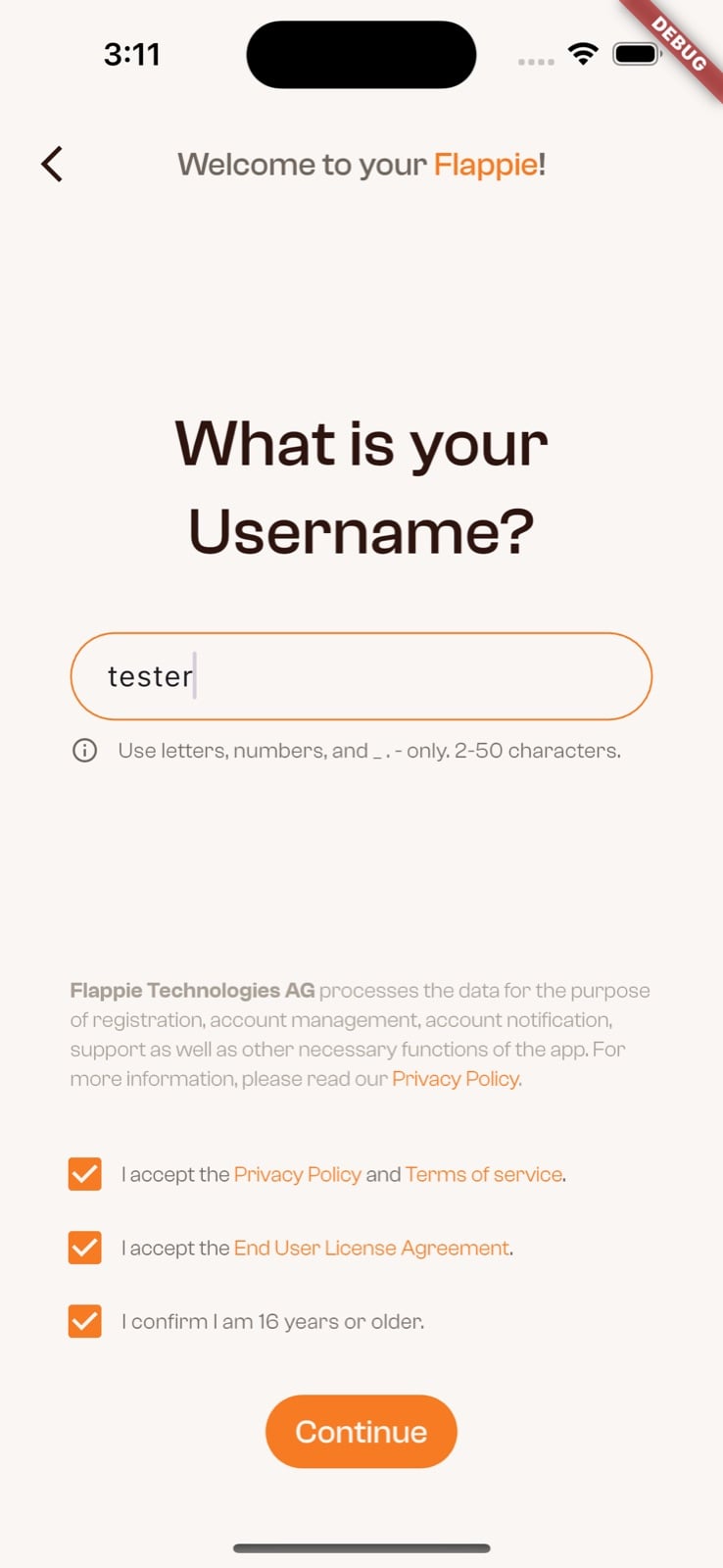
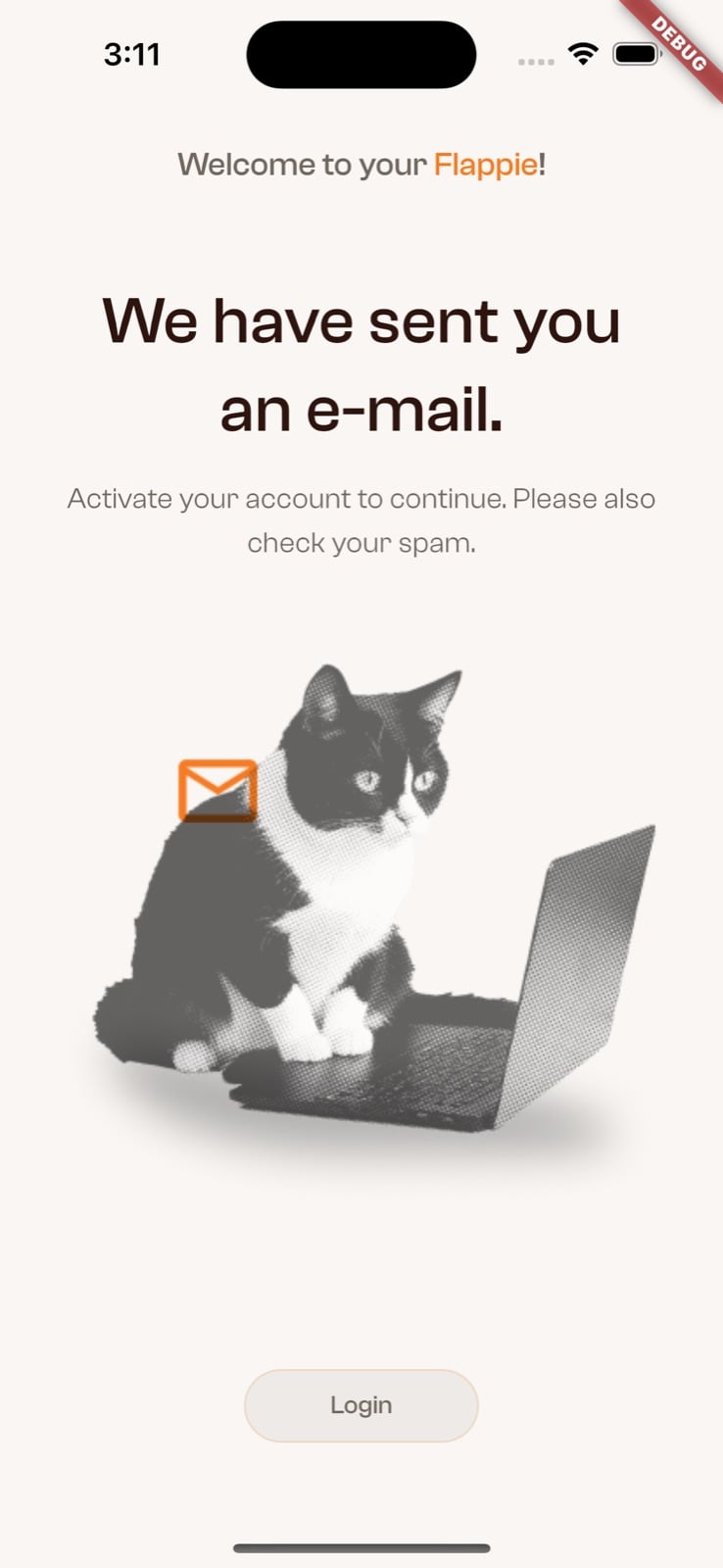
Choose a username with 2–50 characters. Accept the three required declarations for the privacy policy and terms, the licence agreement, and confirmation that you are at least 16. Then open the confirmation email and tap the activation link.
Next: connect Flappie
Have your Wi-Fi password and Flappie ready. Connect it as a function test before drilling and before permanent installation.
Set up Wi-Fi & the app →Still stuck? Use the chat in the bottom-right corner or email [email protected].