%20(1).jpg)
Use Flappie with multiple catsUpdated 2 months ago
Flappie works with several cats
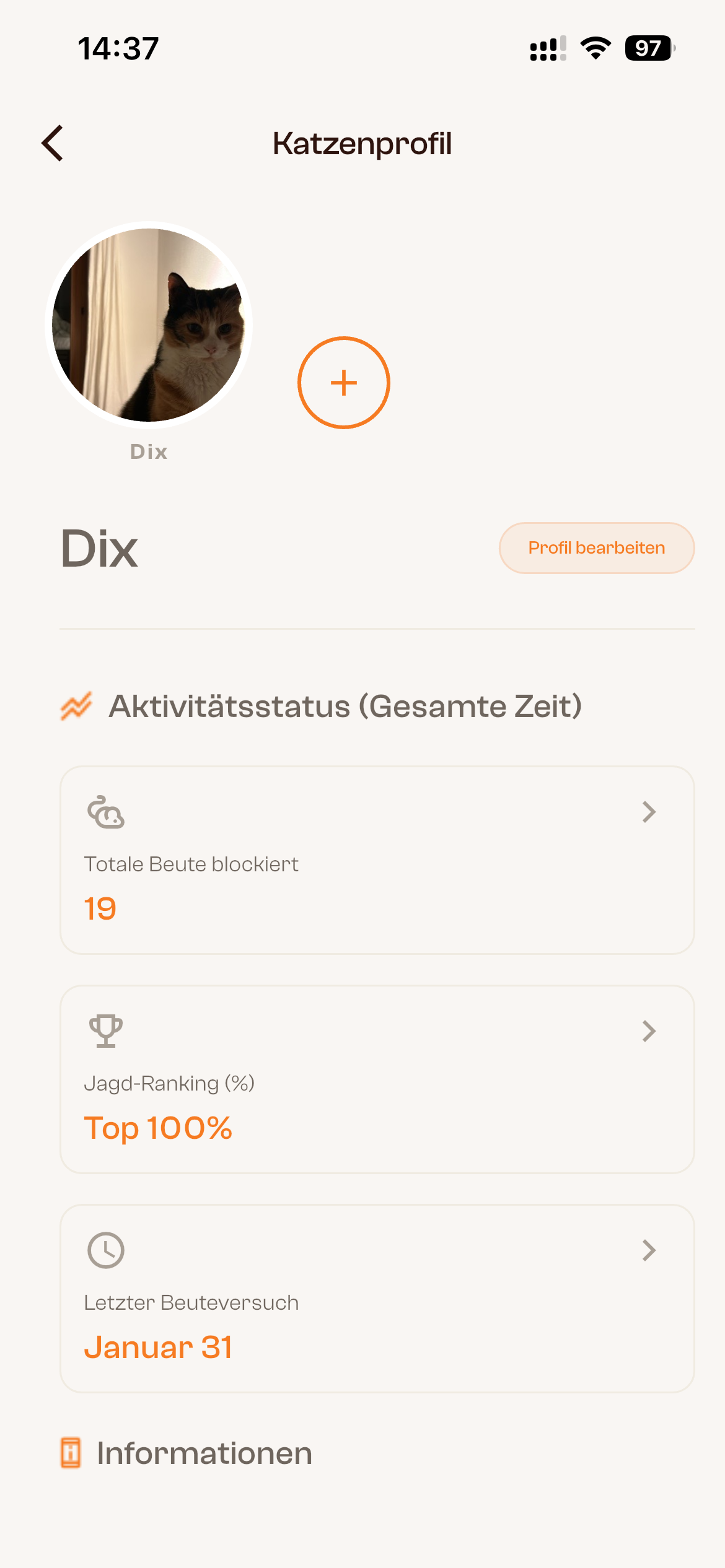
You can create a separate profile for each cat. Prey detection works for every cat that approaches the flap.
Create another cat profile
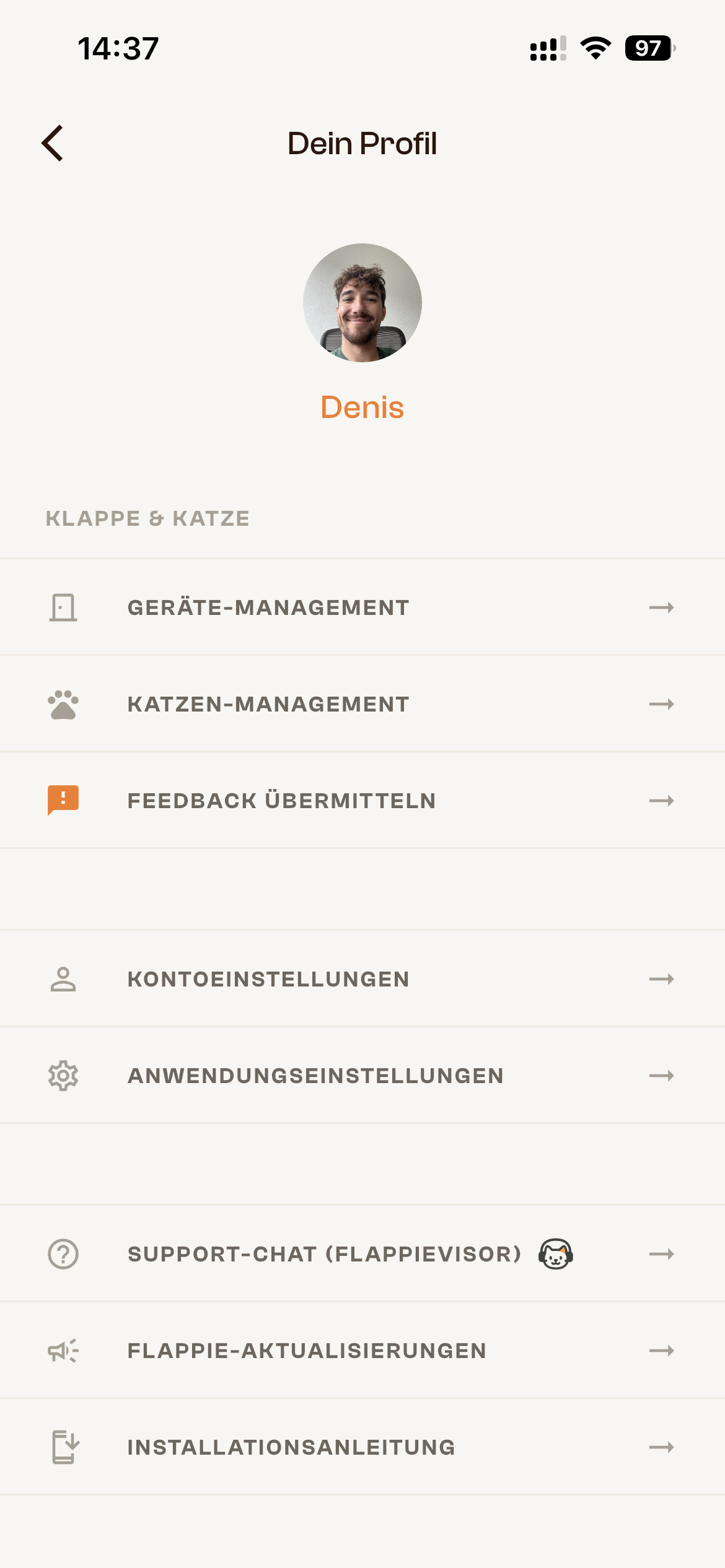
- Open the Flappie app.
- Go to Your Profile → Cat Management.
- Tap Add Cat.
- Add the details you want and save the profile.

How prey detection works today
Flappie checks every approaching cat for prey. It does not currently need to know which cat is using the flap to make the prey decision.
Current limitations
- Flappie currently treats all cats equally.
- Lock modes and schedules apply to all cats.
- Videos can be assigned to a cat manually.
- Flappie cannot yet keep unfamiliar cats outside based on identity.
What Cat ID will add
Cat ID is designed to recognise individual cats. It will first begin through Cat ID Labs, where interested owners can participate in the beta. A wider launch is currently expected in September 2026, with news shared through the app.
See Cat ID Labs and planned launch.
Still stuck? Use the chat in the bottom-right corner or email [email protected].