%20(1).jpg)
Using Flappie With Multiple CatsUpdated 6 months ago
Got multiple cats? No problem — Flappie works with any number of cats and you can create a separate profile for each one.
Creating cat profiles
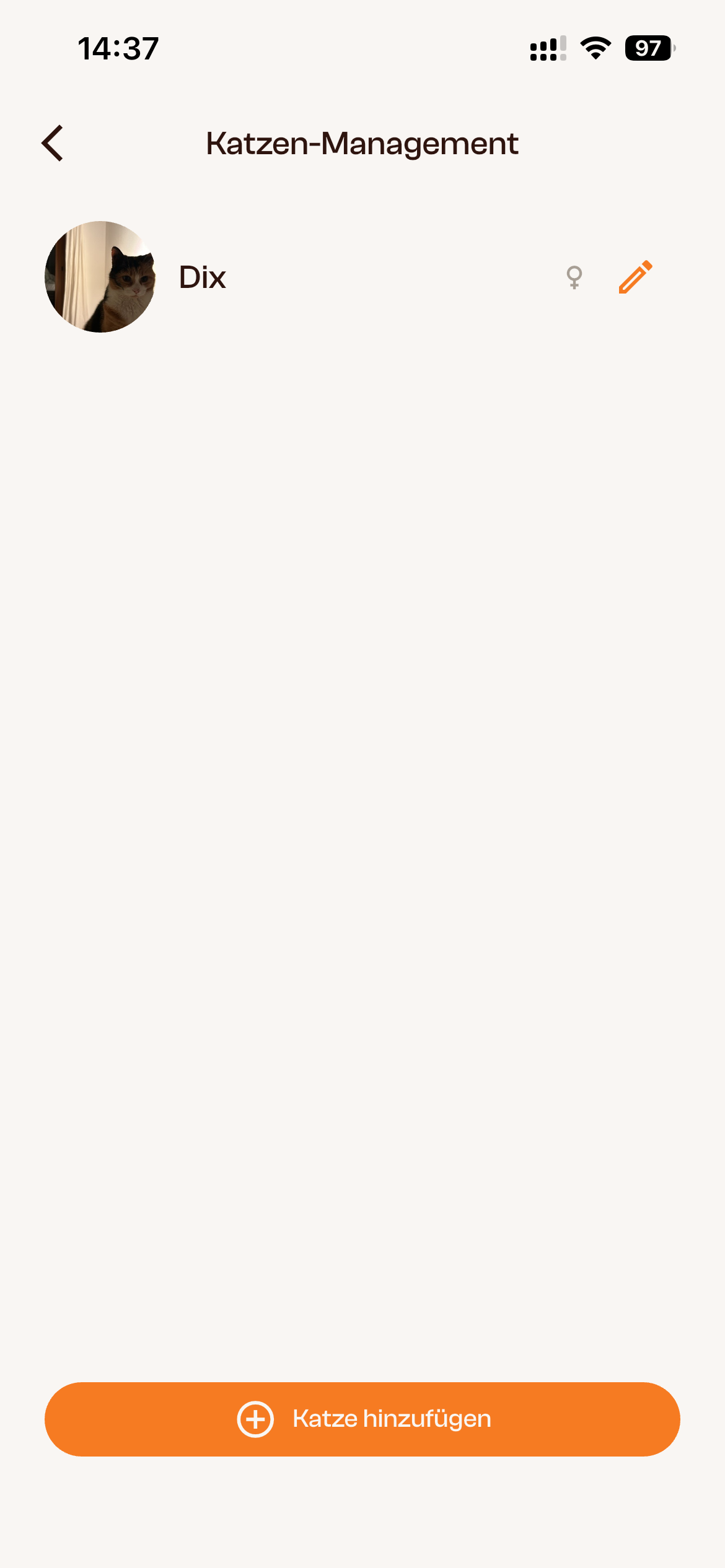
You can create unlimited cat profiles in the app. For each cat, you can add a name, photo, date of birth, gender, and breed.
How to create a new profile:
- Open the Flappie app and go to Your Profile → Cat Management
- Tap "Add Cat"
- Fill in the details and tap "Save Cat Profile"

You can edit or delete profiles at any time — just tap the pencil icon next to your cat's name.
How does detection work with multiple cats?
Prey detection works the same for all cats — no matter how many use the flap. Each cat is captured by the camera when passing through and checked for prey. It doesn't matter which cat is at the flap.
Currently, Flappie treats all cats equally. It's not yet possible to set individual rules per cat (e.g. different curfew times). This will change with Cat ID.
Assigning videos
Videos can be manually assigned to a cat in the app. This helps you keep track of which cat used the flap and when.
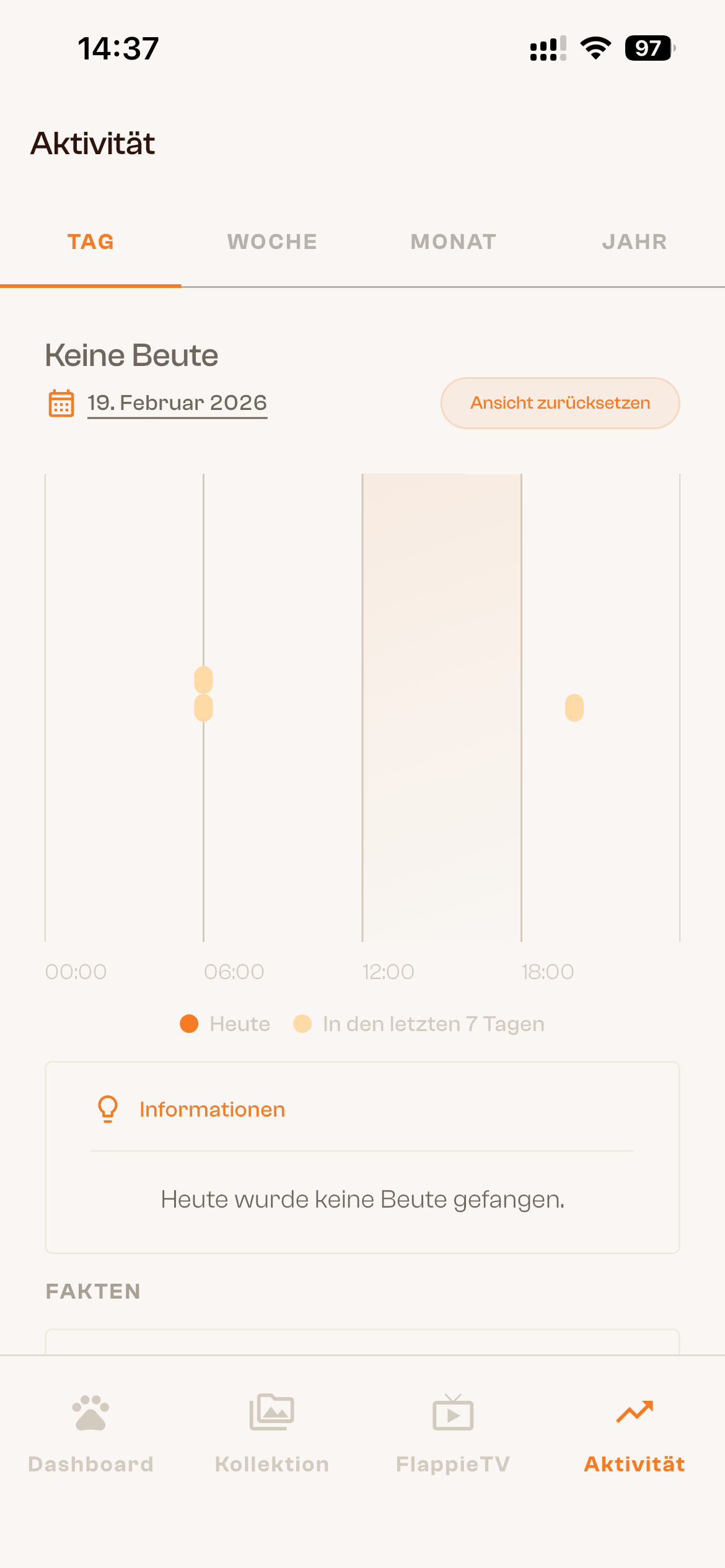
Activity statistics (under Activity in the app) currently show data for the entire household — not per individual cat. With Cat ID, individual tracking will become available in the future.
Cat profile — what you'll see
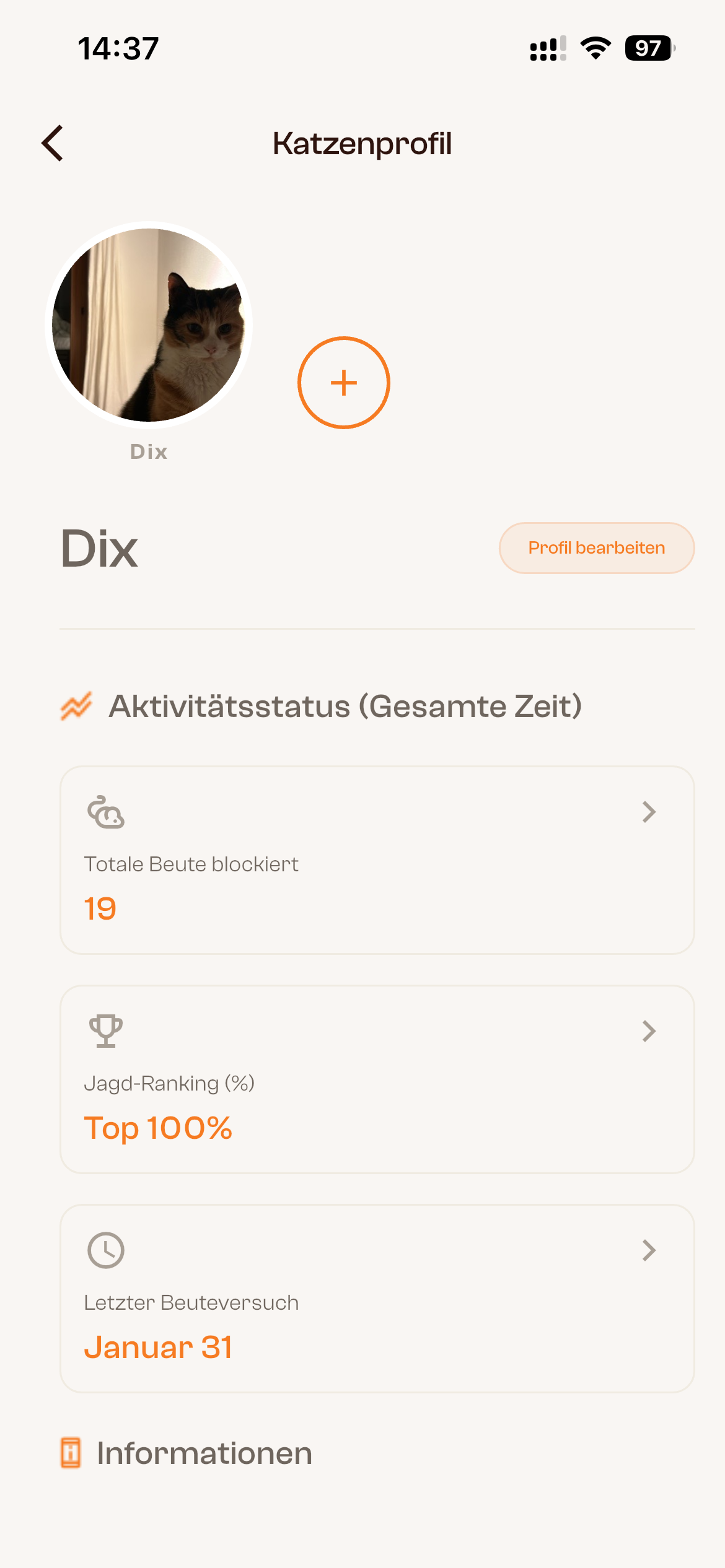
In the cat profile, you can see your cat's activity status at a glance:
- Total prey blocked: How many times Flappie detected and blocked prey for this cat
- Hunting ranking: How active your cat hunts compared to other Flappie households
- Last prey attempt: When your cat was last detected with prey
What about other cats?
Currently, Flappie cannot distinguish between your cats and other cats. The flap opens for any cat — as long as no prey is detected. With the upcoming Cat ID feature, your Flappie will be able to recognise individual cats and keep foreign cats out — no chip needed.
→ What is Cat ID? (Coming soon)
Didn't find your answer?
Email us at [email protected] or use the chat in the bottom right.