%20(1).jpg)
Understand prey detectionUpdated a month ago
What prey detection does
When a cat approaches from outside, Flappie checks whether it is carrying prey. If prey is detected, entry stays locked. If no prey is detected, the flap opens.
The first four days
For the first four days after setup, Flappie already detects and records events, but does not block entry when prey is detected. This gives your cat time to get used to the new flap and allows Flappie to adjust to its surroundings.
- Entries and prey attempts may already appear in the app.
- Exits are intentionally not saved.
- A cat carrying prey can still enter during these four days.
- After four days, prey blocking activates automatically.
How detection works
The camera checks the area immediately outside the flap. The prey decision runs directly on Flappie, so the core detection also works without an internet connection.
Flappie is designed to detect common prey such as mice, rats, birds, fish, snakes and insects. Infrared lighting allows detection in the dark.
When prey is detected
- The entry lock stays closed while the cat is carrying prey.
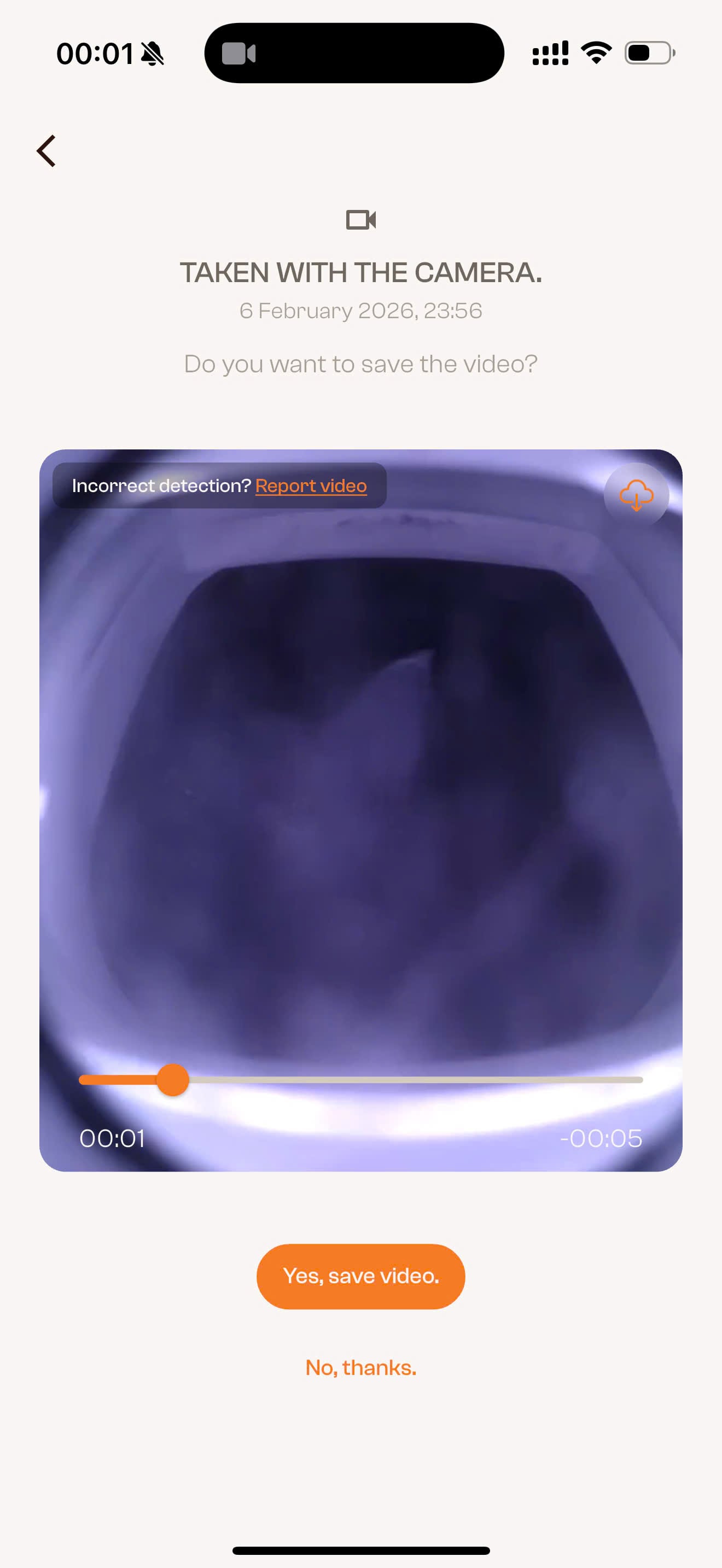
- A video is saved in the app.
- Flappie can send a push notification to your phone.
Individual notification preferences inside the Flappie app are not available yet. Those settings will be added in a future app update. Your phone must currently allow notifications from the Flappie app.
If a detection is wrong
Occasional missed detections or false alarms can happen. Open the saved video in the app and use the feedback option to report whether the detection was correct. This helps improve future detection updates.
Help Flappie see clearly
- Keep the camera lens clean with a soft, damp cloth.
- Remove dirt, hair, cobwebs or objects near the camera.
- Keep the outside approach to the flap as clear as possible.
Still stuck? Use the chat in the bottom-right corner or email [email protected].