%20(1).jpg)
Setting Up NotificationsUpdated 6 months ago
The Flappie app can send you push notifications when something important happens — for example when prey is detected or your cat uses the flap.
Where do I find the settings?
Open the Flappie app and go to:
Your Profile → App Settings
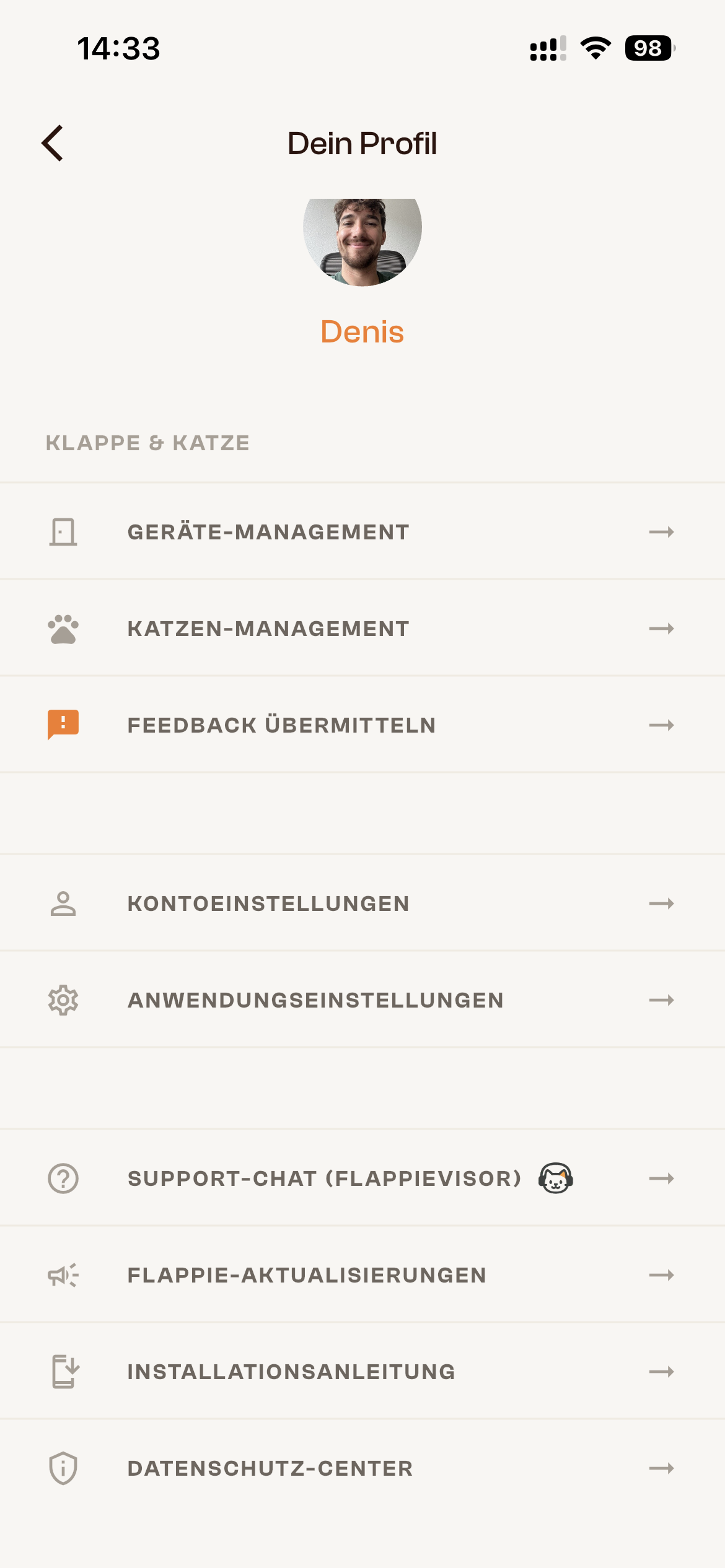
Coming soon
Notification settings are currently being developed and are not yet available in the app. Once the feature is released, you'll be able to configure things like:
- Prey detection: Get notified when your Flappie detects prey and locks the flap
- Cat activity: Get notified when your cat uses the flap
- Device status: Get notified about connection issues or offline status
You'll receive an app update once the feature is available. Make sure automatic updates are enabled for the Flappie app.
Enabling push notifications
To receive notifications, push notifications must be allowed on your smartphone:
iPhone (iOS):
Settings → Notifications → Flappie → Allow Notifications
Android:
Settings → Apps → Flappie → Notifications → enable
Didn't find your answer?
Email us at [email protected] or use the chat in the bottom right.